C9 rooflines and architecture
Lay out seasonal C9 runs across rooflines, ridges, windows, archways, garages, and other architectural lines so the design can be reviewed before installation.
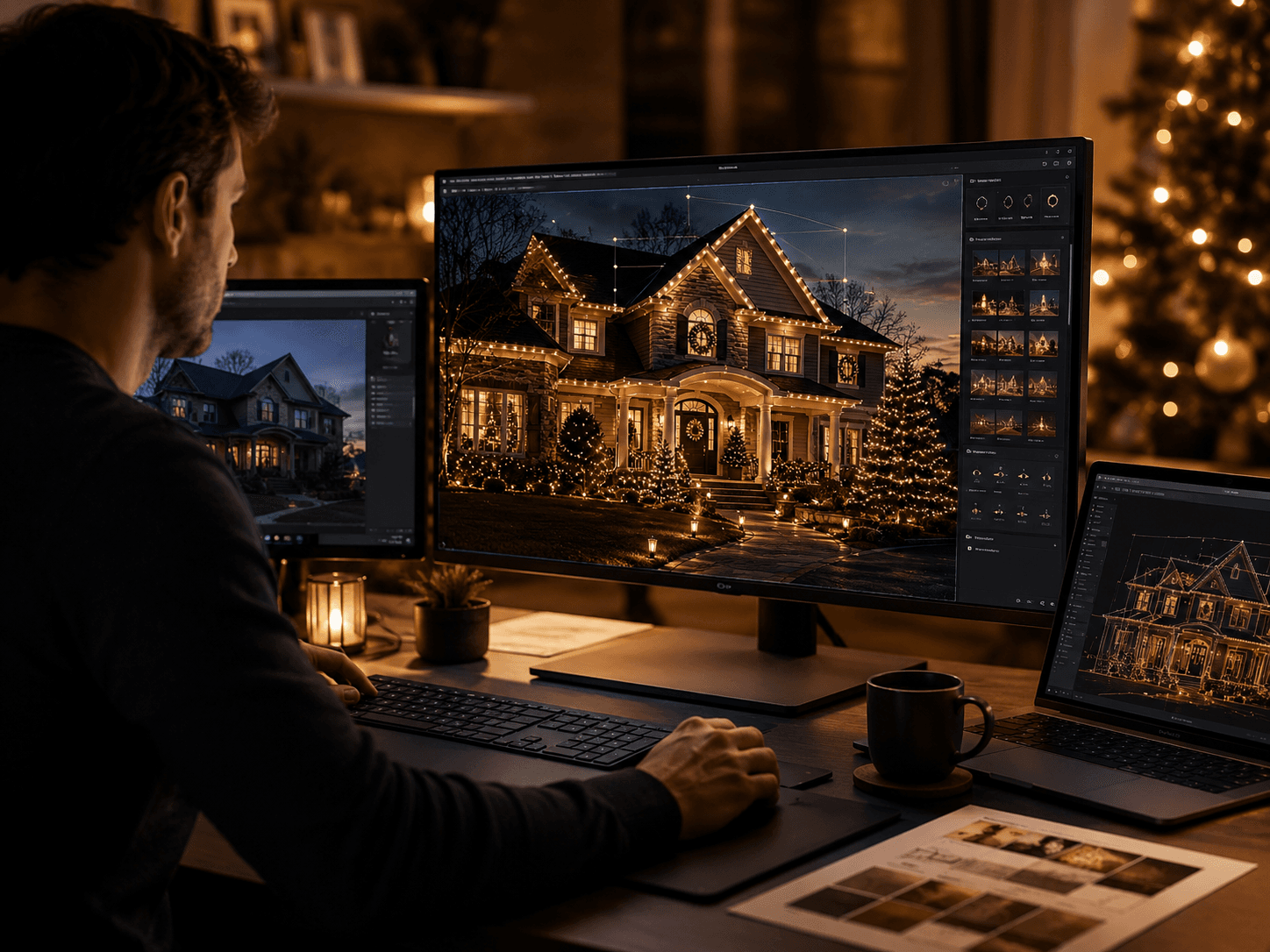
North Pole Design Studio
Plan Christmas lights on a photo of the actual property before a single clip goes up. Lay out C9 rooflines, mini lights, greenery, and permanent lighting, then review the scope and material quantities your plan creates.
Visual planning and estimation only. Final measurements, electrical requirements, attachment methods, access, and installation layout should be verified for the actual property.
What you can plan
A holiday display works better when the roofline, trees, greenery, and permanent-lighting choices are evaluated together. The Studio gives those elements one visual workspace.
Lay out seasonal C9 runs across rooflines, ridges, windows, archways, garages, and other architectural lines so the design can be reviewed before installation.
Plan mini-light coverage on trees and other landscape elements, then compare the visual balance of the display against the rest of the property.
Place and adjust greenery on the property photo so wreaths, garland, and accent pieces fit the architecture instead of being chosen in isolation.
Map permanent-lighting runs alongside seasonal concepts so homeowners and installers can compare where a year-round system belongs on the structure.
The planning workspace carries placed elements into material quantities and scope-of-work information, giving the next conversation a clearer starting point.
Homeowners can visualize a project before hiring; contractors can use the same planning foundation to communicate a design and prepare the job more clearly.
Two ways to use it
Homeowners
Use the property photo to compare lighting and decor choices, then bring a more concrete idea into the contractor conversation.
Open Homeowner ViewInstallers
Use the same visual plan to communicate scope, organize the design, and review the materials the planned display needs before field verification.
Open Contractor ViewHow the workflow fits together
Open the Studio for the audience that fits you and work from a photo of the actual home or property.
Place lighting runs and decor, adjust the visual layout, and compare the major parts of the display together instead of planning each product separately.
Use the resulting scope and material quantities as a planning aid before products are ordered or an installer finalizes the job.
Take the plan into an installer conversation, materials research, or your contractor workflow. Final installation decisions still require project review in the field.
Find a pro
Search by location and service when you are ready to turn the plan into an installation.
Understand the materials
Review C9 materials, mini lights, greenery, permanent systems, and other supply categories.
Learn the trade
Connect the visual plan to installation methods, systems, and contractor education.
Questions about the Studio
Yes. It is a visual planning workspace built around a real property photo. It lets you place Christmas lighting and decor so you can evaluate a display before installation.
Yes. The Studio has a homeowner presentation for visual planning as well as a contractor presentation for professional project planning.
It is a planning and estimation tool, not a guarantee of exact scale or final field conditions. A professional installer should verify measurements, access, electrical requirements, attachment methods, and final layout before installation.
The current planning workspace supports C9 lighting, mini lights, trees, wreaths, garland and other greenery, plus permanent-lighting concepts and related material quantities.
Yes. The design can make an installer conversation clearer, and the ChristmasContractor.com directory can help you compare installers by location and service after you plan the display.
Plan before installation
Use the North Pole Design Studio to organize the visual plan, then verify the real project before installation.
Open the North Pole Design Studio

Official ChristmasContractor.com Store
Featured Vendor
Bulbs, wire, clips, timers, décor, permanent lighting, and installation essentials from the official ChristmasContractor.com store.
Shop Supplies